From your source to an editable book in six steps.
Work from your transcript, document or research brief through outlining and drafting, then review, edit and check the export. Generation time varies, and every result remains a draft until you review its facts, rights, voice and layout.
 1 / 6Step 01
Bring your source or an idea
Upload the caption file you download from YouTube Studio, paste a transcript or notes, or upload a .txt, DOCX or text PDF you own or have permission to reuse. You can also start from a book idea or the guided setup, which adds a 1-credit research brief. Videos without captions are not transcribed; paste a transcript instead.
 2 / 6Step 02
Check the source text
Read the source or research brief before drafting. If a video transcript is incomplete, start a new project with your corrected transcript or notes. Check permissions, quotations and important context before continuing.
 3 / 6Step 03
Give your ideas a structure
VidBook creates an outline and drafts chapters from source sections, at 1 credit per chapter. Drafting continues automatically from the outline; there is no outline-approval checkpoint. Review the resulting manuscript rather than treating it as a verified account of your source.
 4 / 6Step 04
Read it like your reader
Check facts and examples against your source. Look for gaps, repetition and places where a reader needs a clearer explanation. AI source-review suggestions are advisory, not fact checking or permission approval.
 5 / 6Step 05
Make it sound like you
Edit chapters in place, refine selected passages and save your changes. Regenerating a chapter uses 1 credit; review rewrite suggestions and keep your own examples and qualifications intact.
 6 / 6Step 06
Prepare it and take it with you
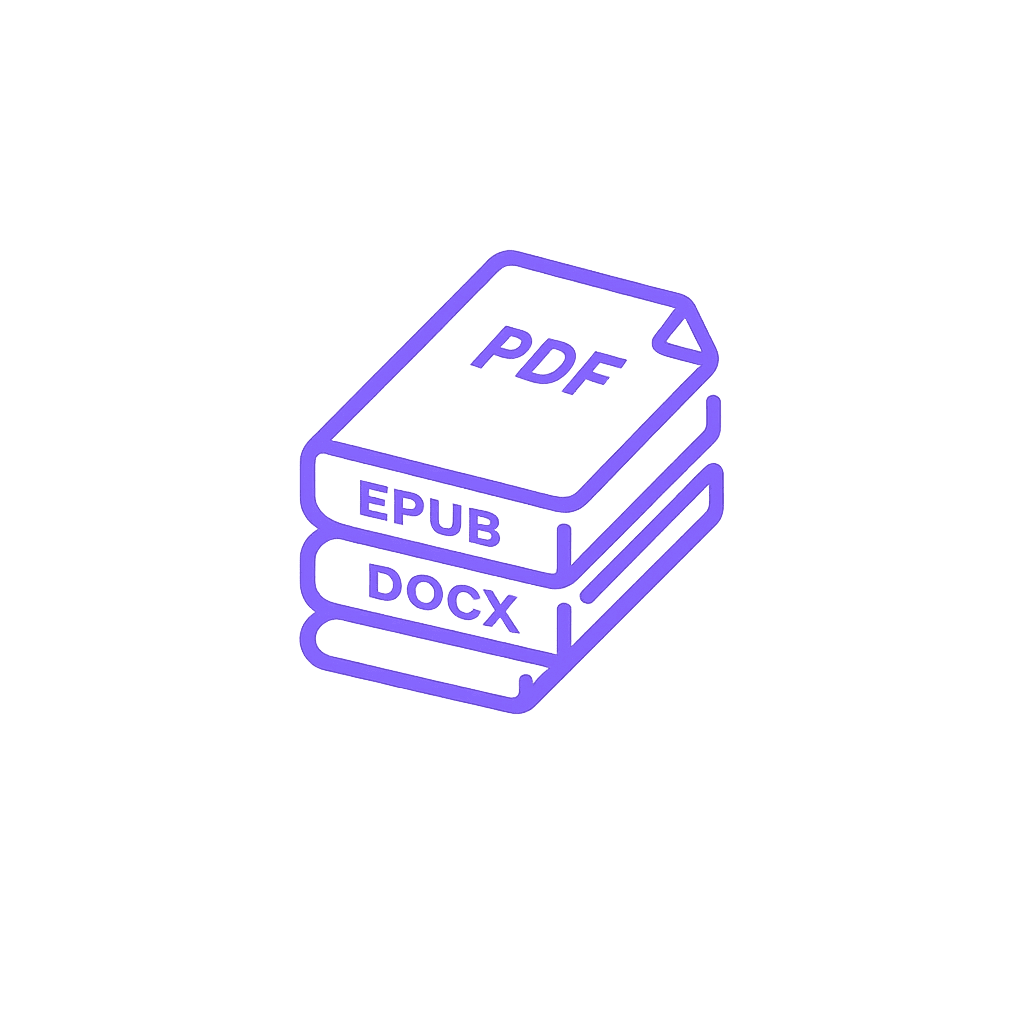
Generate an AI front cover (1 credit per design), download the free full-wrap paperback cover, prepare a listing kit and run the advisory compliance review. Export a print PDF, EPUB or DOCX and check each file. VidBook does not submit to stores; acceptance and sales are not guaranteed.
What you get on every export
- Print PDF interior in 6 x 9, 5.5 x 8.5, A5 or 8.5 x 11 in, with mirrored margins
- EPUB for reflowable reading; check it in your intended reader
- DOCX for Word and Google Docs, in case an editor needs to take over
- Exports use no credits; review each file before sharing or uploading it
What VidBook does not do
- VidBook does not submit books to Amazon or any other store. You upload the files yourself.
- VidBook does not transcribe videos that have no captions. Paste a transcript or upload your notes instead.
Ready to try it?
Use the free credits to test the workflow on material you own. Review the resulting manuscript and export before deciding whether it fits your publishing process.